Free Chrome extension

If you can
see it, you
can save it.

Right-click or point-and-pick to download anything on the internet: images at the full quality the site has, logos as crisp SVG, the fonts a page uses, video, even whole sections of a design.

⬇ Add to Chrome (free) Alt+Shift+G once installed
aurora artwork example
Font used here
Aa Bb Cc 0123 → grab it
What it grabs

Stuff browsers
make annoying.

Grab Anything is a free image, font and video downloader for Chrome. One right-click for the things that normally take dev tools and twenty minutes.

Images at full quality

Thumbnails get auto-upgraded to the CDN original: YouTube avatars, video stills, WordPress, Twitter. WebP saves as PNG automatically.

Logos as crisp SVG

Most site logos are inline SVG that browsers give you no way to save. One right-click, including a copy that pastes straight into Figma.

The fonts a page uses

Right-click any text and download the actual font file. Google Fonts, self-hosted, variable fonts, all of it.

Whole designs

Save a navbar, hero or footer as a working HTML+CSS file with hover states, media queries and fonts included. Or copy it, styles inlined.

Video & audio

Real media files, alternate encodings, subtitles, posters. Plus a popup gallery of every file the page loaded, so you can ZIP it all in one click.

Palette & font cards

One click exports a site's color palette and type specimen as shareable cards. Moodboards in seconds.

Record anything that moves

Capture a canvas, WebGL animation, video or any region to video, GIF or audio. If it plays on screen, you can save the motion — with sound.

Save as Markdown

Grab an article or section as clean Markdown — headings, links, lists, tables, code, images. Straight into your notes or docs.

Grab design tokens

Export a page's whole system — colors, fonts, type scale, spacing, radii, shadows — as JSON, CSS variables and a Tailwind config.

The element picker

Point.
Click.
Yours.

Press Alt+Shift+G and point at anything. Scroll to widen the selection. Click to save it as a pixel-perfect image or a working design file.

→ Try it on the fake page: hover, then click anything.tap anything.

Atelier NorthCollection · Journal · About
demo page artwork
Oak seriesHand-joined, century-built. No screws, no shortcuts.
Ash seriesLight, fast-grain, butter finish. Small batches.
Full resolution

Never save the
thumbnail again.

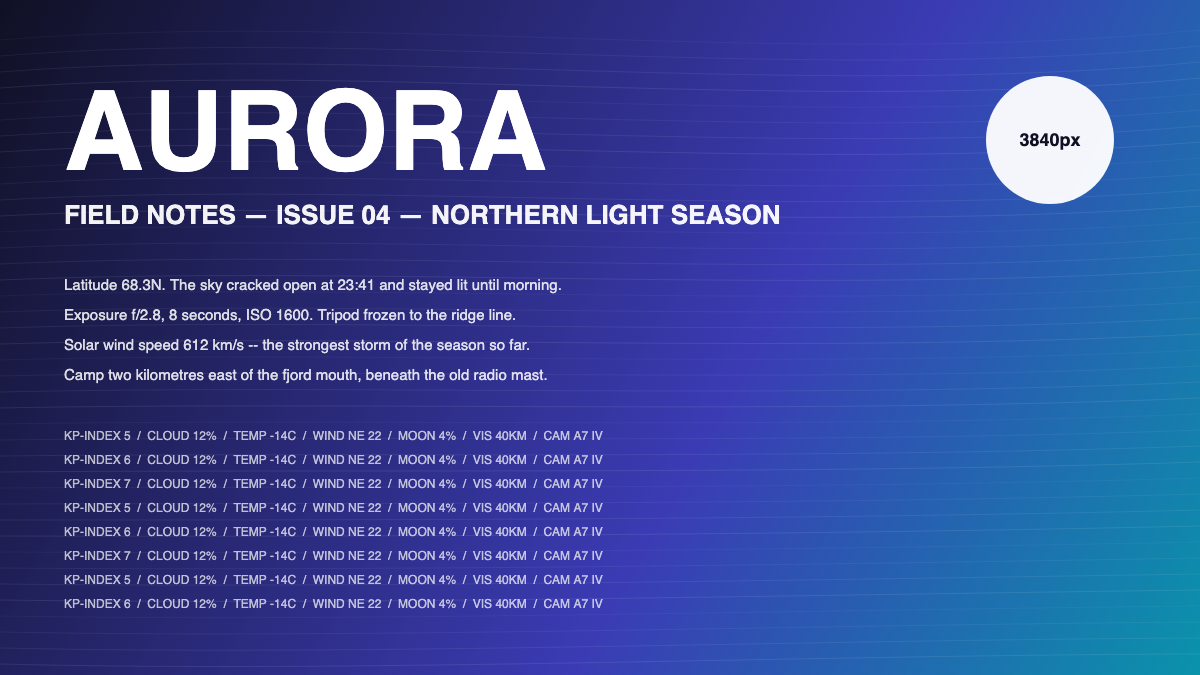
Pages render shrunken copies; the original sits on the CDN behind a size parameter. Grab Anything rewrites the URL, verifies the original exists, and downloads that instead. Drag the line. Left is what sites hand you, right is what you actually get.

resolution comparison: the fine print is only readable on the full-quality side
what sites give you what you actually get
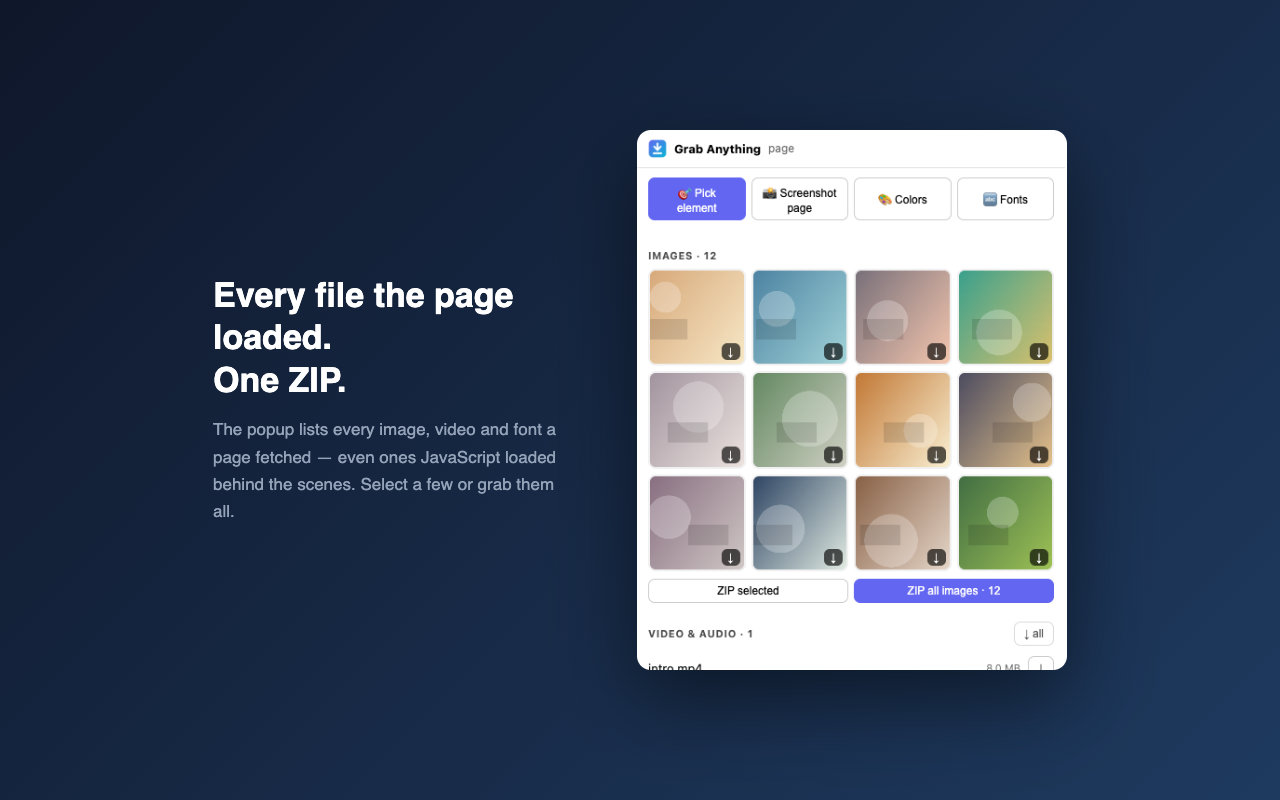
the gallery popup listing every image a page loaded, with ZIP export87 files → one ZIP
The gallery

Every file.
One ZIP.

The toolbar popup lists every image, video and font the page loaded, even files JavaScript fetched behind the scenes. Pick a few or take everything as a single archive.

Optional Pro

Research ready
for your client.

Client Research Packs

Bring selected tabs into one project. Organise captured assets by website, remove duplicate files, retain source links and export a visual report with your client name, studio name and accent colour.

Your ZIP includes the report, Markdown notes, a source index and available assets. Reuse your export presets on the next project.

$7/month or $59/year

USD. Annual billing is one $59 payment each year. Subscriptions renew until cancelled. Existing image downloads, SVG extraction, fonts, colours, Markdown, screenshots, Boards and their exports stay free.

Explore Grab Anything Pro →

Client Research Packs require extension version 0.14.0 or later. Upgrade and manage your subscription from inside the extension.

Privacy

Your research
stays yours.

Free core: no accountNo trackingResearch stored locallyOptional Pro billing

No analytics or browsing telemetry. Research packs are processed and stored on your device; exports retrieve assets from their source websites. Optional Pro billing uses ExtensionPay and Stripe to manage payment and access. Your research content is not uploaded to them. Read the privacy policy.

Who made this

Built by one person,
not a data company.

The maker

Hi, I'm Mathaius, an indie developer in the West Midlands, UK. I built Grab Anything because saving a logo or a font off a website shouldn't require opening dev tools. The existing tools stay free. Optional Pro subscriptions support new client research workflows and continued development.

github.com/mxthaiusdev

Why it asks for the permissions it asks for

Read pages you visit
so right-clicking can detect the logo, font or design under your cursor, on any site you choose to use it on.
Downloads
to save the files you pick to your Downloads folder.
Observe page requests
so the popup can list the media a page loaded. Observation only: requests are not modified and this media list is not reported to the publisher.
Clipboard
only when you click "Copy image" or "Copy SVG".
FAQ

Fair questions.

Is it safe?

The core tools and research processing run on your device, without analytics or browsing telemetry. Asset exports request files from their source websites. The free core needs no account; optional Pro billing uses ExtensionPay and Stripe for payments and paid access. Your research content is not uploaded to the publisher or billing providers. The permission list is explained above.

Is it really free? What's the catch?

All existing core features stay free, without ads: image downloads and ZIPs, SVG extraction, fonts, palettes, Markdown, screenshots, recording, design tools and local Boards with their existing exports. Optional Pro adds Client Research Packs for $7/month or $59/year USD. Annual billing is one $59 payment each year, and subscriptions renew until cancelled. See Pro features and pricing.

Does it work on every website?

It works anywhere Chrome lets extensions run, which is almost everywhere except the Chrome Web Store itself and browser settings pages. Protected video streams (YouTube, Netflix) can't be saved: the video is assembled in memory from encrypted pieces, so there's no file to download. That's a browser-wide rule, not a missing feature.

Is downloading this stuff legal?

Saving things for personal use (study, reference, moodboards) is generally fine. Re-publishing someone's images, fonts or designs as your own isn't: assets stay licensed by their creators. Grab Anything gives you the file; the rights stay where they were.

When is it on Edge and Firefox?

Right after Chrome. The Edge version is the same build, and a Firefox port is ready and in testing. This page will link both the day they're live.

What does "full quality" actually mean?

Sites usually display a shrunken copy of an image while the original sits on their CDN. Grab Anything rewrites the image URL to request the original (it knows the patterns for YouTube, Twitter, Wikipedia, WordPress and more), checks it exists, and downloads that instead of the thumbnail.